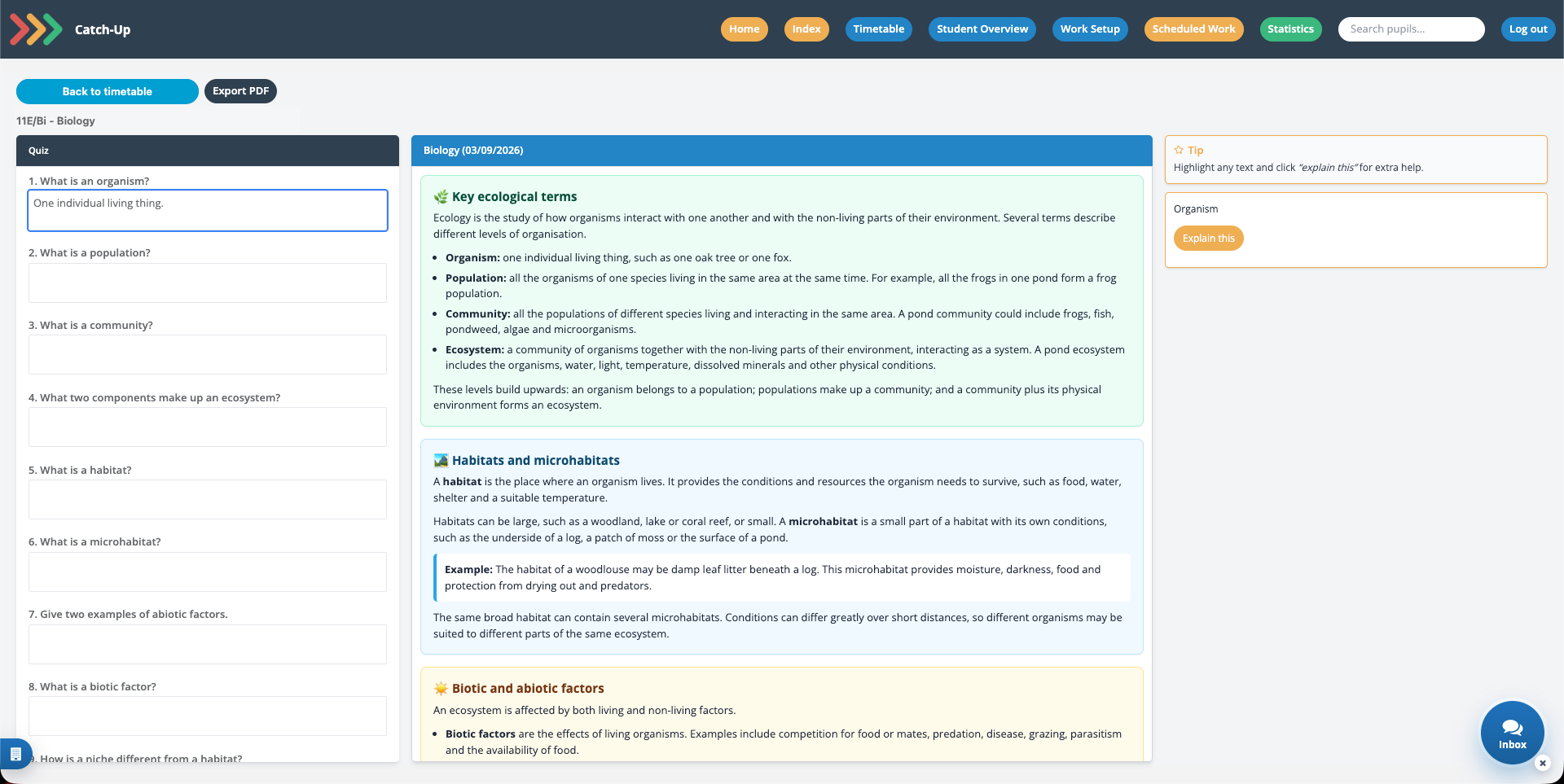
Explain this
Highlight lesson text and ask for a clearer explanation when something does not make sense.


SMID Catch-Up gives pupils one clear place to find lesson content and work they missed through absence. They can see what needs attention, complete quizzes and get extra help without losing track of their week.
Pupils will receive a welcome email from SMID with their username and temporary password when their school sets them up.
Catch-Up connects missed lessons to the pupil's timetable, so families can understand what is outstanding and pupils know exactly where to begin.
The pupil uses the username and temporary password sent by SMID, then creates a secure password for future visits.
From SMID Home, they open Catch-Up and use the week picker to see their timetable, missed lessons and attendance summary.
Work is opened directly from the relevant timetable lesson, with recent or missing work easy to prioritise.
Pupils read the lesson content, answer the quiz questions and select Submit to save their responses and receive feedback.
Catch-Up is more than a list of missed work. It gives pupils useful ways to understand lesson content and build confidence before moving on.
Highlight lesson text and ask for a clearer explanation when something does not make sense.
Review quiz feedback and grades to understand progress and improve the next submission.
Where available, pupils can complete extra questions for more practice and challenge.
Not seeing work for a lesson? It may not have been published yet. Pupils can try again later or ask their teacher for help.